
Remote Mac Rental
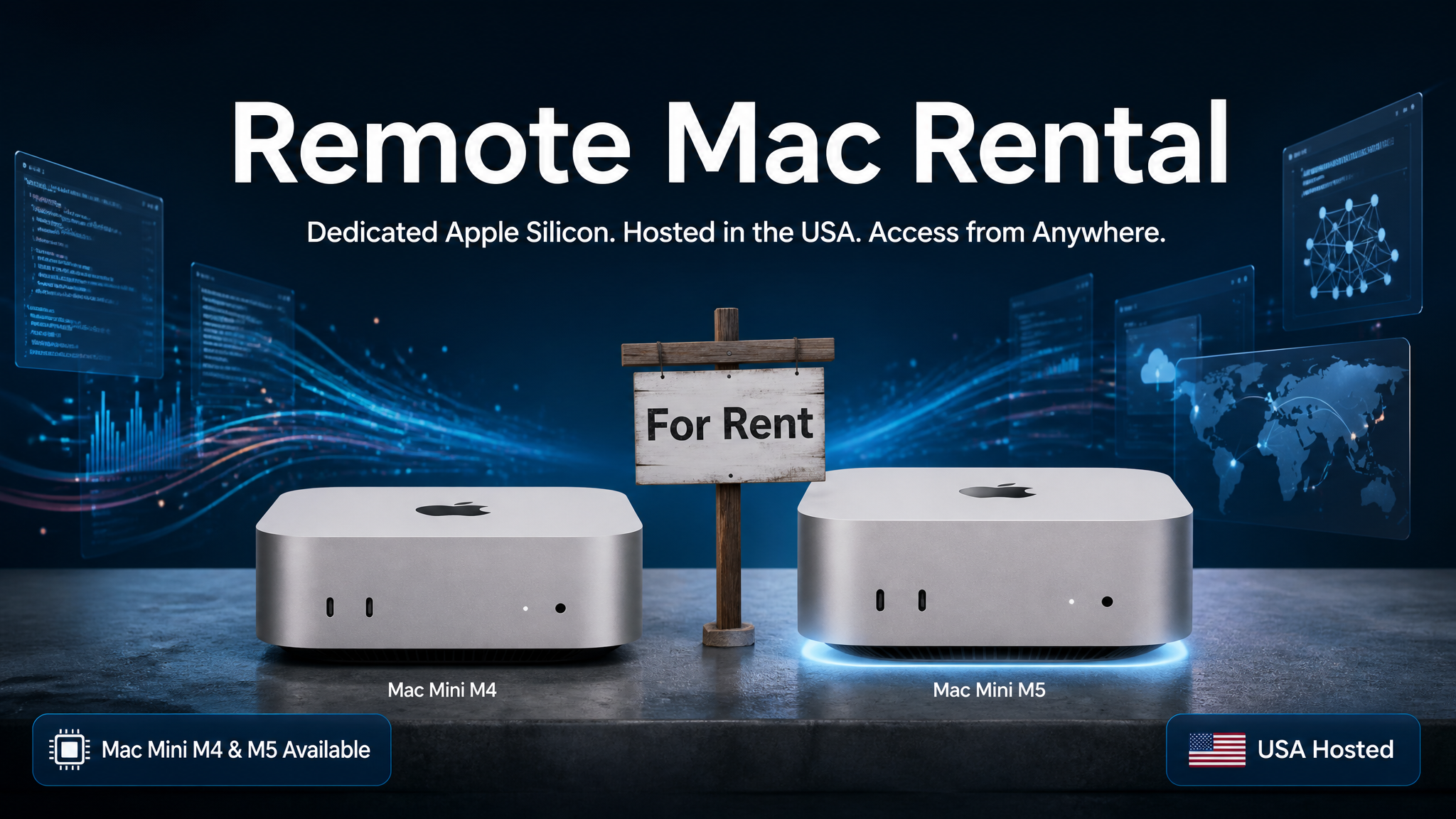
Remote Mac Rental — Dedicated Mac Mini, Hosted in the USA
Rent a dedicated, physical Mac Mini you can access remotely from anywhere in the world. No shipping. No deposits. No hardware to manage. Just a real Apple Silicon Mac, hosted in the United States, ready for your work the moment it is provisioned.
Choose Your Remote Mac
Mac Mini M4
10-core Apple Silicon · 16 GB RAM · 256 GB SSD
Full admin access · High-speed US-hosted connectivity
- Remote macOS from Windows or Linux
- Xcode, iOS builds & code signing
- CI/CD pipelines & automated testing
- Short-term or burst capacity projects
- Always-on persistent workspace
Mac Mini M5 / M6
Next-gen Apple Silicon · Significantly faster CPU & GPU
Full admin access · Built for demanding workloads
- AI model inference & local LLM experimentation
- Offload compute-heavy tasks from your local machine
- Faster Xcode builds & larger iOS projects
- Heavy data processing & automation pipelines
- Always-on persistent workspace
Why Choose Our Remote Mac Rental?
A physical Mac Mini assigned only to you — not a shared VM or cloud emulator.
All hardware is physically located in the United States (Florida).
Connect using RustDesk — free, open-source, end-to-end encrypted. Install it yourself on Windows, macOS, or Linux.
Your Mac stays online during your rental term. Long-running tasks keep going even when you disconnect.
We handle hardware, power, connectivity, and maintenance. You just connect and work.
No hardware to ship, receive, insure, or return. Access begins after provisioning and agreement approval.
Who Is This For?
How It Works
- Order or Pre-Order — Select the Mac Mini M4 (available now) or pre-order the M5/M6.
- Service Agreement — We send a service agreement for your review and acceptance before provisioning begins.
- Provisioning — We prepare your dedicated Mac Mini and configure remote access.
- Connect — You receive connection credentials by email. Download RustDesk (free) on your Windows, macOS, or Linux device and connect.
- Work — Full admin access is yours. Install your tools and get started immediately.
Buying vs. Renting a Remote Mac
| Factor | Buying a Mac | Renting a Remote Mac |
|---|---|---|
| Upfront cost | $600–$1,400+ | From 2 weeks |
| Shipping & setup | Required | None — remote access after provisioning |
| Hardware maintenance | Your responsibility | We handle everything |
| Traveling with hardware | Carry it with you | Connect from any device, anywhere |
| End of project | Sell, store, or dispose of hardware | Simply cancel — no hardware recovery |
| Flexibility | Fixed hardware commitment | Scale up or down as needed |
Ready to Get Started?
Choose your Mac Mini and get remote access to a dedicated Apple Silicon Mac today.
Frequently Asked Questions
Is this a real Mac or a virtual machine?
This is a dedicated physical Mac Mini — not a cloud emulator, shared VM, or container. You get real Apple Silicon hardware assigned exclusively to you.
Where is the hardware located?
All units are physically hosted in the United States (Florida).
How do I connect?
Download and install RustDesk (free, open-source) on your Windows, macOS, or Linux device. After provisioning, we email you the connection credentials.
Can I use this from Windows or Linux?
Yes. RustDesk runs on Windows, Linux, and macOS. You can access your remote Mac from virtually any desktop operating system.
Can I install my own software?
Yes. You receive full admin access and can install the tools, frameworks, and applications you need, subject to our Acceptable Use Policy.
What happens if my internet drops?
Your dedicated Mac stays online. Simply reconnect when your connection is restored and continue where you left off — no work is lost on the Mac itself.
What if the Mac becomes unresponsive?
We provide one complimentary manual restart per rental term. Optional Virtual Power Button and KVM services are available for an additional fee.
Can I rent multiple Macs for my team?
Yes. We can provision multiple units on a shared private network. Volume discounts are available for 5+ instances. Contact us for a custom quote.
Is there a service agreement?
Yes. A service agreement is sent for review and acceptance before provisioning begins. No surprises.
Can I log into iCloud on the rented Mac?
Yes — you may sign into iCloud for general use (iCloud Drive, Notes, Photos sync, etc.). However, you must not enable Find My Mac or Activation Lock. These features allow your Apple ID to remotely lock or erase the device, which would permanently lock us out of our own hardware. Violating this restriction is grounds for immediate termination of service under our service agreement.
All rentals are subject to a service agreement and Acceptable Use Policy. Pricing and availability are subject to change. Mac Mini M5 and M6 listings are pre-orders — access is provided after provisioning and agreement approval. Mikegyver Computer & Tech., Inc. · 851 S State Rd 434, 1070-125, Altamonte Springs, FL 32714 · mike@mikegyver.com