Mikegyver Computer & Tech. Inc.
Rent a Mac Mini M5 PRO or M6 — Remote Mac Rental with Full Admin Access
Rent a Mac Mini M5 PRO or M6 — Remote Mac Rental with Full Admin Access
Couldn't load pickup availability
Mac Mini M5 Pro & M6 Rental — A Dedicated Remote Mac Hosted in the USA
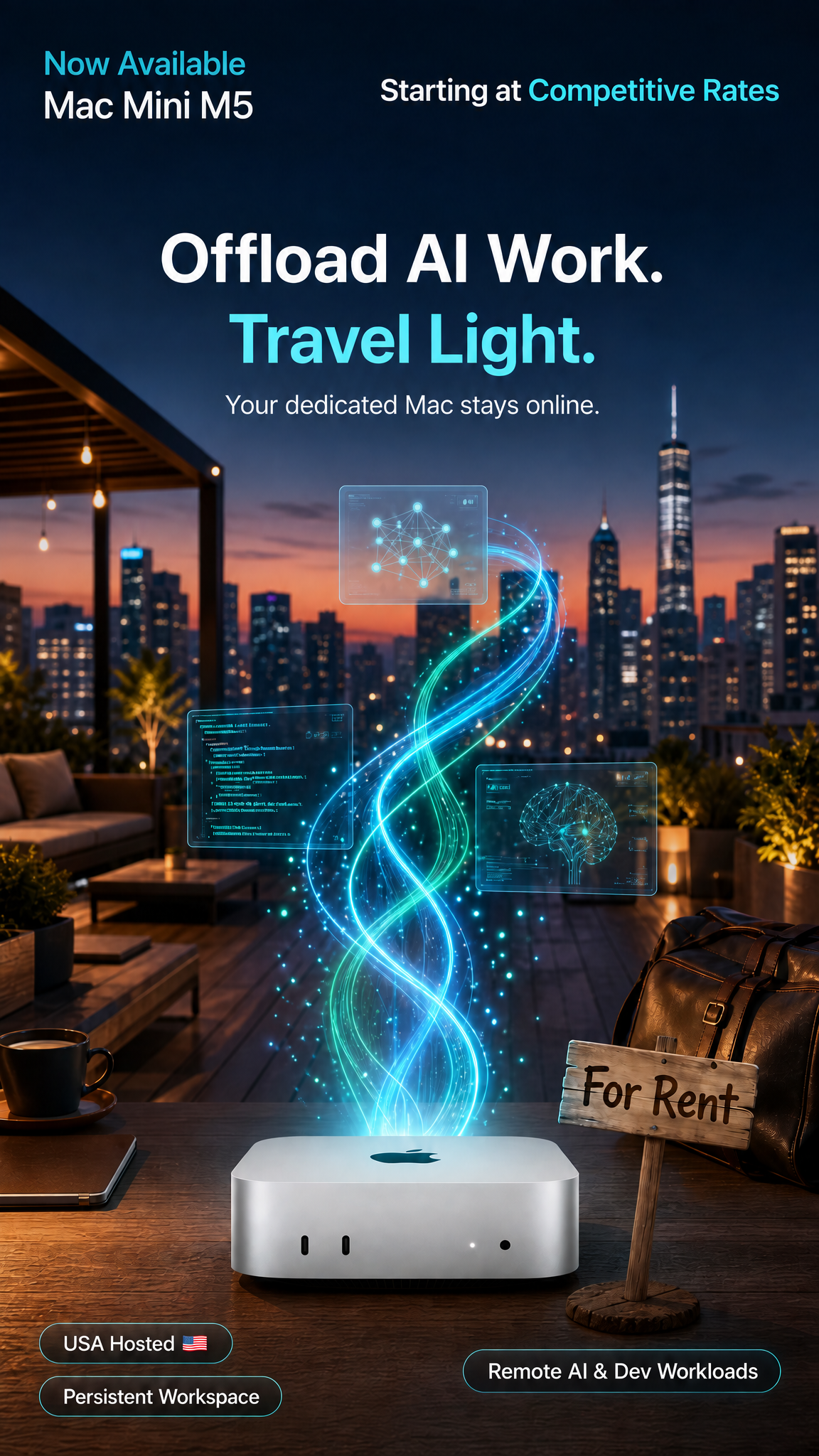
Available now, with no waiting for delivery. Rent a dedicated Mac Mini M5 Pro or M6: a real, bare-metal Mac hosted in the United States with secured remote access, full admin privileges, and nothing to buy or ship. This Mac Mini rental is ideal for developers, remote teams, AI workloads, and anyone who needs flexible macOS access from anywhere. It's the top tier of our Mac Mini rental collection.
☀️ Eco-friendly infrastructure, powered in part by solar energy.
Want exact specs for the M5 Pro or M6, or need more memory or storage? Contact us about specs and custom configurations.
What's Included With Your Remote Mac Rental
- Dedicated bare-metal Mac Mini (M5 Pro or M6) with an admin user, not a shared VM or emulator
- Secured remote desktop access (or install your own preferred remote-access tool)
- High-speed connectivity (~500 Mbps up/down) and VPN included
- Full admin access to install the tools you need
- Zero hardware maintenance: we handle the hosting infrastructure
⚠️ iCloud restriction: iCloud sign-in is allowed for general use, but you must not enable Find My Mac, Activation Lock, or any feature that can remotely lock or erase the device (see service agreement).
How to Rent a Mac Mini M5 Pro or M6
- Order your Mac Mini rental.
- Accept the service agreement.
- We provision your dedicated unit.
- Connect through secured remote access using the credentials we email you.
- Work: install your tools and get started.
Who This Mac Rental Is For
- Developers: Xcode / iOS builds, CI/CD, code signing, and testing on dedicated Apple Silicon.
- AI users: run supported AI tools, inference, and model experiments remotely. Tasks configured to run independently can keep going after you disconnect, freeing up your local machine.
- Buyers who want to test first: run your real projects on an M5 Pro or M6 before deciding which Mac to buy.
- Businesses: equip remote employees and contractors with macOS. No procurement, no shipping; cancel when the contract ends.
- Digital nomads: a persistent macOS workspace you can reach from a lighter laptop, wherever you are.
Add-Ons & Options
Also available. Contact us for pricing:
- Virtual power button: remotely power your Mac on/off anytime
- KVM access: console-level access for recovery and troubleshooting
- Multi-Mac private networking: for teams renting several units
- Connect your own external drive: send us your hard drive and we'll connect it to your hosted Mac for remote access and file syncing with your own compatible sync software (Resilio Sync, etc.)
Service Policies
- Restarts: one complimentary manual restart per rental term if your Mac becomes unresponsive (subject to scheduling).
- Acceptable use: no unlawful activity. Torrenting is permitted for lawful content only; we may apply bandwidth limits at our discretion. No abusive scraping or high-bandwidth behavior.
- iCloud: general use is fine; Find My Mac / Activation Lock / remote lock or erase features are prohibited.
Mac Mini M5 Pro & M6 Rental FAQ
Is this a real Mac?
Yes. It's a dedicated physical Mac Mini (bare metal), not a shared virtual machine or cloud emulator.
Which models are available?
Mac Mini M5 Pro and M6 are available now. Access is provided after provisioning and agreement approval.
Should I rent an M5 Pro or M6 before buying one?
If you're unsure which model your work needs, renting first lets you test your real projects on dedicated hardware before you buy. Read our guide: Should you rent a Mac Mini M5 Pro or M6 before buying one?
Can I use it for Xcode and iOS development?
Yes. You get full admin access for Xcode, CI/CD pipelines, code signing, and testing. See how to rent a Mac for iOS development.
Can I run AI tools on it?
Yes, within the Mac's available hardware and macOS environment. Whether a specific app can offload work from your local machine depends on that app's own features.
How do I connect to my remote Mac?
Through secured remote access from your Windows, macOS, or Linux device. We email you the connection details after provisioning.
Where is the hardware located?
Physically in the United States.
Can I connect my own external hard drive?
Yes, we offer this as a service. Contact us for pricing and to confirm drive compatibility before shipping it to us. The drive stays your property but is hosted at our location, and syncing is not a backup, so keep a separate copy of important data.
Can I sign into iCloud?
Yes, for general use, but Find My Mac and Activation Lock must remain off, since they can remotely lock or erase the device. See the service agreement.
What if my Mac crashes?
You get one complimentary manual restart per rental term. Virtual power button and KVM add-ons are available for more control.
Can I rent multiple Macs for my team?
Yes. Contact us to discuss multi-unit setups and private networking.
Is torrenting allowed?
Yes, for lawful content only, subject to bandwidth management at our discretion.
Compare Our Remote Mac Rental Plans
Need a different spec or budget? Compare all remote Mac rentals, or go straight to a plan:
- Mac Mini M4 rental
- Mac Mini M4 rental, 1-month one-time
- Budget remote Mac: Mac Mini M1 rental
- macOS virtual machine on a Mac Mini M6
Further Reading
- Should you rent a Mac Mini M5 Pro or M6 before buying one?
- How to rent a Mac for iOS development
- Why AI developers choose a remote Mac Mini over a VPS
Questions?
Need multiple Macs, custom specs, or more details on connecting your own drive? Contact us and we'll help you find the right setup.
Our remote Mac rental service gives developers, creators, AI users, and teams dedicated Mac Mini M5 Pro / M6 hardware with remote access to macOS: a remote Xcode build machine, an iOS development environment, or a workspace for supported AI workloads, without owning or hosting the hardware yourself. Availability and service details may change. All rentals are subject to a service agreement.
Share