Mikegyver Computer & Tech. Inc.
macOS Virtual Machine Hosted on Mac Mini M6 | Remote Admin Access
macOS Virtual Machine Hosted on Mac Mini M6 | Remote Admin Access
Couldn't load pickup availability
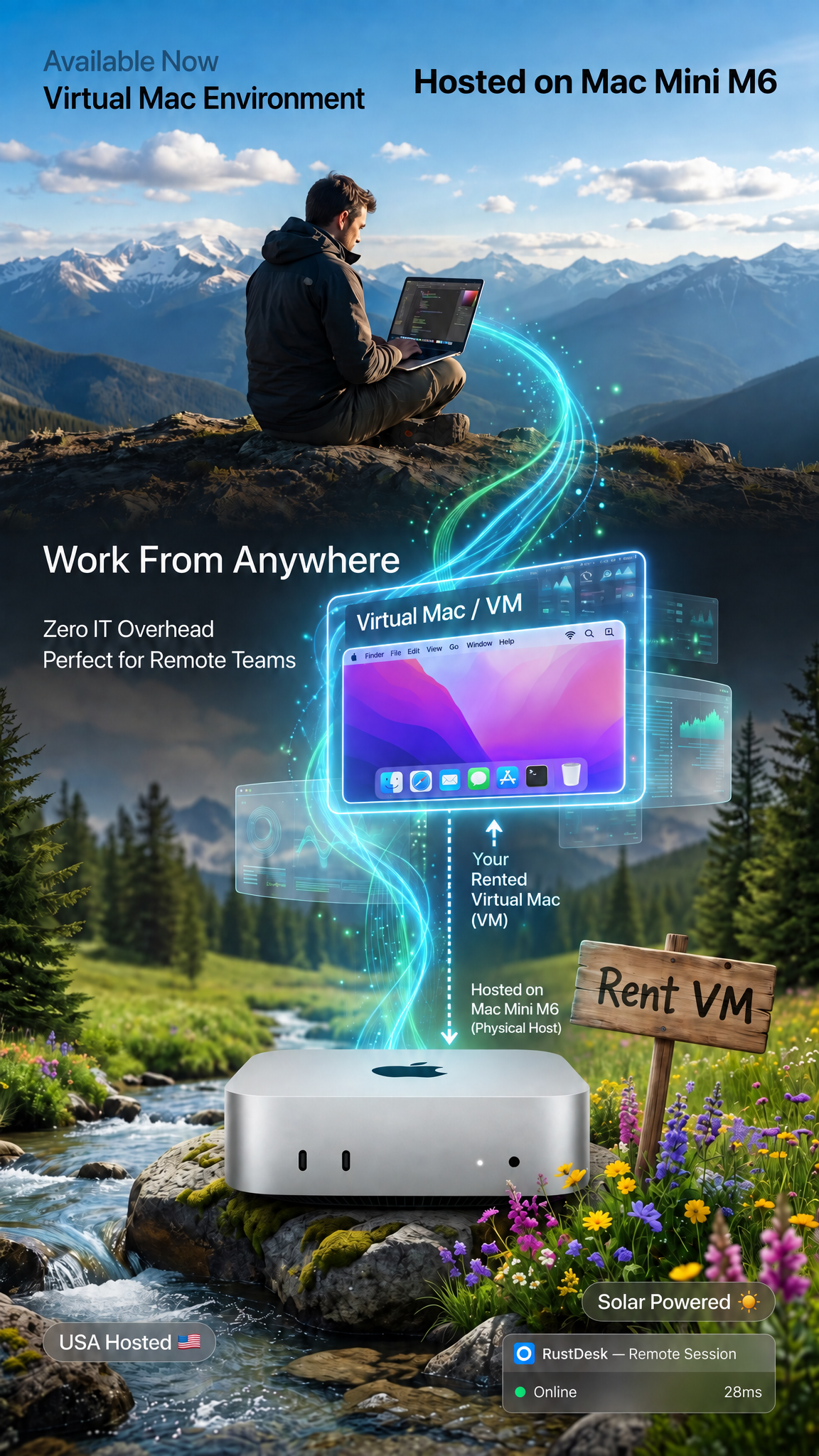
Available now. Want a remote Mac environment without paying for a whole machine? Rent a macOS virtual machine hosted on Apple Mac Mini M6 hardware in the United States, or ask us about a Linux VM on Apple Silicon. You get admin access, a VPN and secured remote access from anywhere. Nothing gets shipped, and you never maintain any hardware. It's the most flexible option in our remote Mac rental lineup.
☀️ Eco-friendly infrastructure, powered in part by solar energy.
What You Get With Your macOS VM Rental
- Your own virtual macOS or Linux environment, hosted on Apple Mac Mini M6 hardware, with an admin user
- Secured remote access from Windows, macOS, Linux, Chromebooks, and other compatible devices
- VPN included
- Admin privileges to install your tools and dependencies, within your plan's allocated memory, storage, and CPU
- Zero hardware maintenance: we handle the infrastructure, power, and hosting
- Standard support, with priority support on select plans
Linux VM Hosting on Apple Silicon
Need something other than macOS? Ask us about a Linux virtual machine. We can set up Ubuntu, Debian, Fedora, Alpine, or other compatible ARM Linux environments on M6 hardware, configured for your workflow.
Why Choose a Hosted VM?
- Lower-cost entry point: remote macOS or Linux access without renting a full dedicated Mac
- No hardware to buy, maintain, or ship
- Flexible access for short-term or occasional use, without procurement delays
- No IT overhead: we handle the hardware, connectivity, and power
Perfect For
- Testing and general remote development on macOS
- Lightweight Linux development, scripting, and command-line testing on ARM
- General coding, editing, and remote workspace access
- Using macOS from Windows, a Chromebook, or a travel laptop
VM or Dedicated Mac?
A VM shares the underlying M6 hardware and runs within allocated resources, so it's best for lighter, everyday work. For heavy Xcode builds, CI/CD, rendering, or AI workloads, choose a dedicated bare-metal Mac: see our Mac Mini M5 Pro & M6 rental or Mac Mini M4 rental.
How It Works
- Order the virtual environment that fits your needs.
- Agreement: we send a standard service agreement for review and confirmation.
- Provisioning: we configure your VM and set up remote access.
- Connect using the secured remote access details and credentials we send you.
- Work: your environment is ready for supported development and remote workspace tasks.
Acceptable Use Policy
- Unlawful activity is prohibited and may result in immediate service termination.
- No unauthorized mass scanning, scraping, or network abuse unless permitted in writing.
- Usage is limited to the memory, storage, and CPU allocated to your environment.
- Sustained heavy workloads, large builds, rendering, or continuous background processes may require an upgraded or dedicated environment.
- You may not interfere with the host system or other customers' environments.
macOS VM Rental FAQ
What types of virtual machines do you offer?
Virtual macOS environments hosted on Mac Mini M6 hardware, plus Linux VMs such as Ubuntu, Debian, and Fedora, subject to compatibility and available resources.
Is a VM the same as a dedicated Mac?
No. A VM runs within allocated resources on shared M6 hardware. If you need the whole machine, choose one of our dedicated bare-metal Mac Mini rentals.
How do I connect to my VM?
Through secured remote access from Windows, macOS, Linux, or other compatible devices. We send your connection details and credentials once your environment is provisioned.
Where is the host hardware located?
Physically in the United States.
Is this available now?
Yes. Environments are provisioned after your order is processed, the agreement is confirmed, and the configuration is reviewed.
What if my workload needs more resources?
Contact us to discuss a larger virtual environment or a dedicated bare-metal Mac.
Compare Our Remote Mac Rentals
See all Mac Mini rentals, or go straight to a plan:
- Affordable dedicated Mac: Mac Mini M1 rental
- Mac Mini M4 rental
- Mac Mini M4 rental, 1-month one-time
- Mac Mini M5 Pro & M6 rental
Need a specific Linux distribution, more resources, or tools pre-installed? Contact us with your requirements and we'll tell you what we can support.
Availability and supported configurations depend on resource availability and the applicable service agreement.
Share