Mikegyver Computer & Tech. Inc.
Mac Mini M4 Rental — 1 Month Remote Access (One-Time)
Mac Mini M4 Rental — 1 Month Remote Access (One-Time)
Couldn't load pickup availability
Need a Mac for a short project? Rent a Mac Mini M4 for one month with a single one-time purchase. There's no subscription to manage and no hardware to buy or ship. You get a dedicated Mac Mini M4 with 16 GB of RAM and a 256 GB SSD, hosted in the United States, with full admin access and secured remote access from anywhere. It's an easy way to try a remote Mac or cover a short-term need.
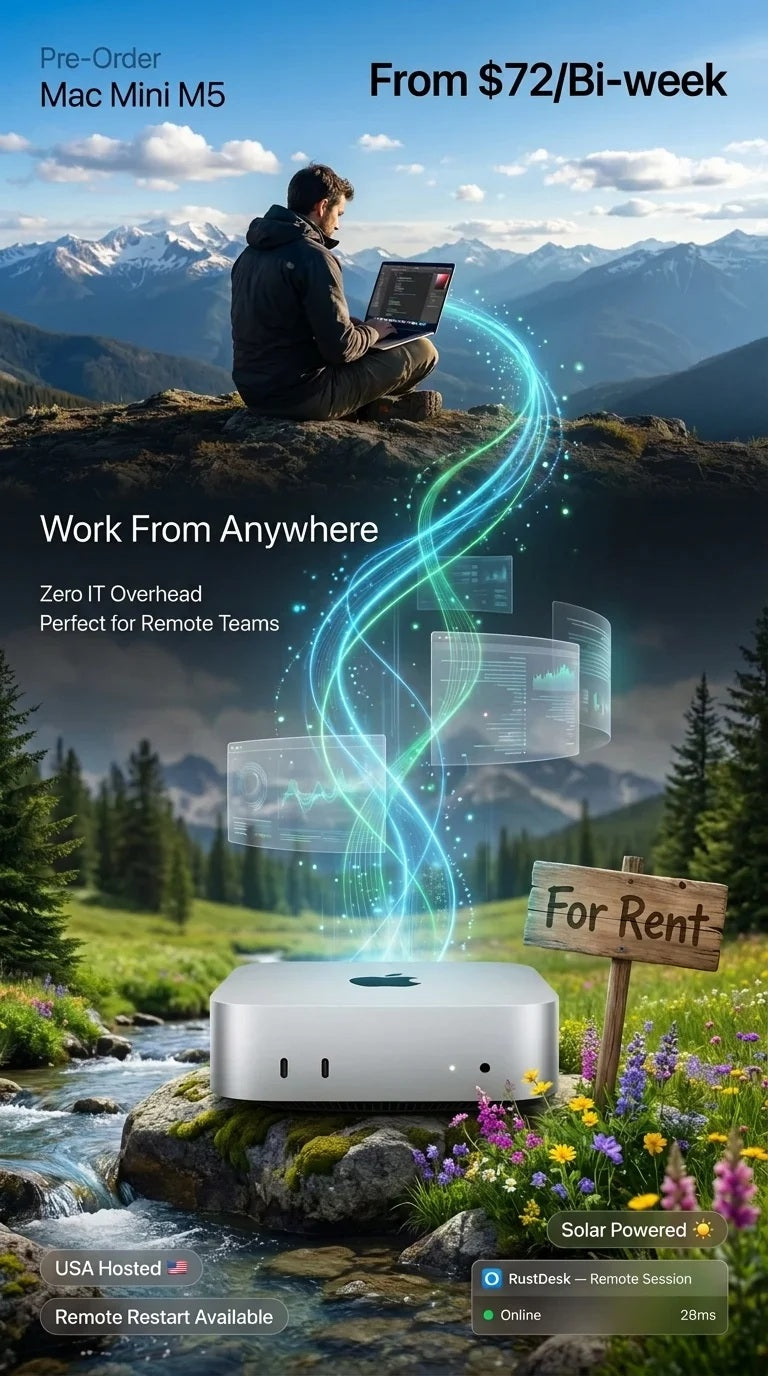
☀️ Eco-friendly infrastructure, powered in part by solar energy.
What You Get With This 1-Month Mac Mini M4 Rental
- Dedicated Apple Mac Mini M4 (10-core): bare-metal hardware with your own admin user, not a shared VM
- 16 GB unified memory · 256 GB SSD (ask about adding external storage via Thunderbolt/USB)
- High-speed internet with a VPN included
- Secured remote access from your Windows, macOS, or Linux device
- One month of access with a one-time purchase and no recurring subscription
- No shipping, no deposit, and zero hardware maintenance: we handle power, connectivity, and infrastructure
- Standard personalized support
⚠️ iCloud restriction: you may sign into iCloud for general use (iCloud Drive, Photos, Notes), but you must not enable Find My Mac, Activation Lock, or any feature that can remotely lock or erase the device. This is enforced under our service agreement.
Why Choose a One-Time Mac Rental?
- Short projects: an app release, a client job, a test cycle, or a course
- Try before you commit: see how a remote Mac fits your workflow before moving to an ongoing plan
- Temporary macOS access: use macOS from a Windows or Linux computer without buying a Mac
- Burst capacity: add an extra build or test machine for a busy month
- Contractors: give a short-term contractor a Mac with no procurement or hardware retrieval
Perfect For
- Xcode / iOS builds, CI/CD, code signing, and app testing
- Video editing, design, and creative work
- AI tools and on-device inference on dedicated Apple Silicon
- Digital nomads who need a reliable macOS workspace: if your hotel Wi-Fi, 5G, or Starlink drops, reconnect and continue where you left off
How It Works
- Order your 1-month Mac Mini M4 rental.
- Agreement: we send a service agreement for you to review and accept.
- Provisioning: we prepare your dedicated Mac Mini and set up remote access.
- Connect using the secured remote access details we email you.
- Work: full admin access lets you install your tools and start right away.
Restarts & Optional Add-Ons
If your Mac becomes unresponsive, your rental includes one complimentary manual restart (subject to scheduling). Optional add-ons are available for an extra charge. Contact us for details:
- Virtual Power Button: remotely power your Mac on/off anytime
- KVM Service: console-level access for recovery and troubleshooting
- Bring Your Own Hard Drive: ship us your external drive and we'll connect it to your rented Mac. You're responsible for safe shipping; we're not liable for pre-existing drive failure or transit damage.
- Multi-Mac private networking: renting more than one Mac? We can put them on a shared private network.
Acceptable Use
- Unlawful use is prohibited and results in immediate termination without refund.
- Torrenting / P2P is permitted for lawful content only; we may apply bandwidth limits at our discretion.
- No large-scale scraping or abusive high-bandwidth behavior unless agreed in writing.
- Do not enable Find My Mac, Activation Lock, or any feature that can remotely lock or erase the device.
1-Month Mac Mini M4 Rental FAQ
Is this a subscription?
No. This is a one-time purchase for one month of access to a dedicated Mac Mini M4. For ongoing access, see our Mac Mini M4 rental plans.
What are the specs?
A Mac Mini M4 (10-core) with 16 GB unified memory and a 256 GB SSD. Need more memory or storage? See our other M4 configurations or contact us.
Is it a real, dedicated Mac?
Yes. It's a physical bare-metal Mac Mini used only by you, not a shared virtual machine.
Can I use it for Xcode and iOS development?
Yes. Full admin access lets you install Xcode, run CI/CD pipelines, sign code, and test apps.
How do I connect?
Through secured remote access from your Windows, macOS, or Linux device. We email your connection details after provisioning.
Where is the Mac located?
Physically in the United States (Florida).
Is there a deposit or shipping?
No. Nothing is shipped to you and no deposit is required. You receive remote access once your unit is provisioned and the agreement is accepted.
Can I sign into iCloud?
Yes, for general use, but Find My Mac and Activation Lock must stay off.
What if my Mac freezes?
You get one complimentary manual restart during your rental. Virtual Power Button and KVM add-ons give you more control.
Compare Our Remote Mac Rentals
Need a longer term or more power? See all Mac Mini rentals, or go straight to a plan:
- Mac Mini M4 rental: ongoing plans and more configurations
- Budget remote Mac: Mac Mini M1 rental
- Mac Mini M5 Pro & M6 rental
- macOS virtual machine on a Mac Mini M6
Further reading: Why rent a Mac Mini M4? and why AI developers choose a remote Mac Mini over a VPS.
Questions before you order? Contact us and we'll help you pick the right setup.
Share