Mikegyver Computer & Tech. Inc.
Rent Mac Mini M4— Remote Dedicated Hardware, Full Admin Access
Rent Mac Mini M4— Remote Dedicated Hardware, Full Admin Access
Couldn't load pickup availability
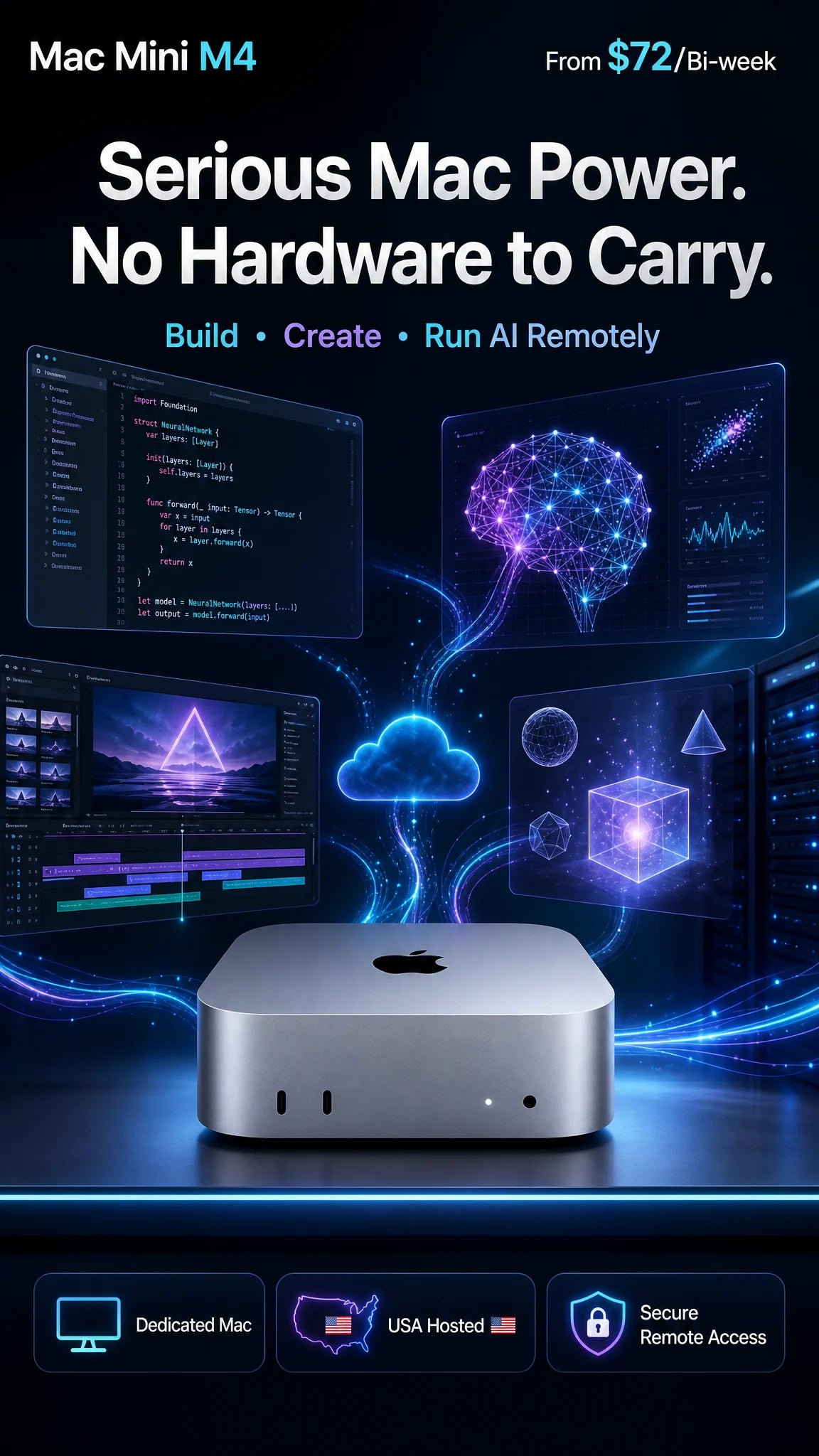
Looking to rent a Mac without buying hardware? This remote Mac rental gives you a dedicated Mac Mini M4 hosted in the United States, with full admin access, ready for Xcode, CI/CD and creative work. Flexible rental terms are available; choose your configuration above to see current pricing. No shipping, no deposits, no physical hardware transfer: you get remote access once provisioned and contracted.
☀️ Eco-Friendly Infrastructure — Powered in Part by Solar Energy
Mac Mini M4 Rental: What You Get
- Dedicated Apple Mac Mini M4 (10‑core) with an admin user
- 16 or 24 GB RAM, 256 or 512 GB SSD (ask about adding a second SSD via Thunderbolt/USB for expanded storage)
- High‑speed internet connectivity, about 100 or 500 Mbps depending on plan
- VPN included
- Secured remote access from your Windows, macOS, or Linux device
- Standard personalized support (priority support available on some plans)
- Zero hardware maintenance — we handle all infrastructure and admin overhead
⚠️ iCloud restriction: You may sign into iCloud for general use (iCloud Drive, Photos, Notes), but you must not enable Find My Mac, Activation Lock, or any feature that can remotely lock or erase the device. These features transfer hardware control to your Apple ID and permanently lock us out of our own equipment. This is enforced under our service agreement.
Why Rent a Remote Mac Mini?
- No need to buy, maintain, or ship your own Mac hardware
- Great for developers, creators, and teams who need fast access to macOS
- Ideal for Xcode and iOS builds, CI/CD, testing, and remote workflows
- Flexible Mac rental terms without long-term hardware commitments
- No IT overhead — we manage the hardware, power, connectivity, and infrastructure
Perfect For
- Xcode / iOS builds, CI/CD, and code signing
- Video editing, design, and production workflows
- Temporary macOS access from Windows or Linux
- Teams needing short‑term or burst capacity
- Companies providing Macs to remote employees, with no procurement, shipping, or IT management
Remote Mac Rental for Companies with Remote Employees
Need to give a remote contractor, overseas developer, or distributed team member a Mac? We handle everything.
- No hardware procurement: skip purchase orders, invoices, and asset tracking.
- No shipping logistics: no international shipping, customs delays, or lost packages.
- Simple offboarding: when the contract ends, cancel the rental. No hardware retrieval or e-waste disposal.
- Flexible terms: scale up or down as your team or projects change.
Built for Digital Nomads
If your Starlink, 5G hotspot, hotel Wi‑Fi, or tethered connection drops, simply reconnect to your dedicated Mac Mini and continue where you left off. Your Mac stays online, secure, and ready whenever you need it, so there is no need to carry a powerful laptop.
Multi-Instance Workgroups
Renting more than one Mac? We can provision your units on a shared private network so they can see each other for file sharing, distributed builds, or collaborative team setups.
How It Works
- Order: Purchase your Mac Mini M4 rental.
- Agreement: We send a service agreement for review and acceptance before provisioning.
- Provisioning: Once approved, we prepare your dedicated unit and set up remote access.
- Connect: You receive your connection details by email. Connect through secured remote access from your Windows, macOS, or Linux device.
- Work: Full admin access lets you install tools and start right away.
Remote Restart & Hardware Access
If your Mac Mini becomes unresponsive, we offer one complimentary manual restart per rental term, subject to our availability and scheduling. Optional add-ons are available for an additional charge (contact us for pricing and availability):
- Virtual Power Button: remotely power your Mac on/off at will.
- KVM Service: console-level access (keyboard, video, mouse) for recovery and troubleshooting.
- Bring Your Own Hard Drive: ship us your external drive and we connect it to your rented Mac Mini. You are responsible for shipping it safely with our address entered correctly; we are not liable for pre-existing drive failure or transit damage.
Mac Mini M4 Rental Plans
Choose from flexible rental terms and configurations. Pick your RAM, storage, and network speed above to see current pricing. Need several Macs or a longer-term agreement? Contact us for a custom quote.
Acceptable Use Policy
- Unlawful use is strictly prohibited and results in immediate termination of service without refund.
- Torrenting / P2P file sharing is permitted for lawful content only. We may apply bandwidth limits to torrent traffic at our discretion, with or without notice.
- No large‑scale scraping or abusive high‑bandwidth behavior unless explicitly permitted in a written agreement.
- Do not enable Find My Mac, Activation Lock, or any iCloud feature that can remotely lock or erase the device.
Compare Our Remote Mac Rental Plans
Need a different spec or term? See all Mac Mini rentals, or go straight to a plan:
- Mac Mini M4 rental, 1 month (one-time payment)
- Budget remote Mac: Mac Mini M1 rental
- Rent a Mac Mini M5 Pro or M6
- macOS virtual machine on a Mac Mini M6
Further reading: Why rent a Mac Mini M4? and why AI developers choose a remote Mac Mini over a VPS.
Frequently Asked Questions
Can I rent a Mac for Xcode and iOS development?
Yes. Every instance is a dedicated Mac Mini M4 with full admin access, perfect for Xcode 16, SwiftUI, and CI/CD pipelines.
Is the connection secure?
Yes. You connect through secured remote access, and a VPN is included with your rental to help protect your privacy.
Where are the servers located?
Our hardware is physically located in the United States (Florida).
Is your infrastructure eco-friendly?
Yes. Our Mac Minis are powered in part by solar energy, reducing our carbon footprint while keeping your workflows running reliably.
Can I keep working if my internet drops?
Yes. If your connection fails, you can simply reconnect later and continue where you left off on your dedicated Mac Mini.
What if my Mac crashes or becomes unresponsive?
We provide one complimentary remote restart per rental term (subject to our scheduling). For more control, optional Virtual Power Button, KVM, and BYOD hard drive services are available for an additional fee.
Can I rent multiple Macs for my remote team?
Absolutely. We handle all provisioning, infrastructure, and admin overhead. You simply assign access to your team members. Contact us for a custom quote on multi-unit setups.
What happens when an employee's contract ends?
Simply cancel the rental subscription. We handle all the cleanup and deprovisioning — no hardware retrieval, no asset recovery logistics.
Can I log into iCloud on the rented Mac?
Yes, for general use (iCloud Drive, Notes, Photos sync). You must not enable Find My Mac or Activation Lock, which would permanently lock us out of our own hardware. Violating this is grounds for immediate termination of service under our service agreement.
Can I send you my own hard drive to use with my rental?
Yes. Ship us your external hard drive and we will connect it to your rented Mac Mini so you can access it as local storage. Contact us for pricing and shipping instructions.
Am I allowed to torrent on my rented Mac?
Yes, for lawful content only. We reserve the right to apply bandwidth limitations to torrenting traffic at our discretion.
Built for Modern Apple Silicon Workflows
The Mac Mini M4's Neural Engine makes it a strong environment for Apple Intelligence features, local LLM experimentation, and on-device AI inference, without sharing resources with other users. Whether you need a dedicated Xcode build server, a macOS test environment, or a persistent AI workspace, our bare-metal M4 hardware delivers dedicated performance and privacy.
Share